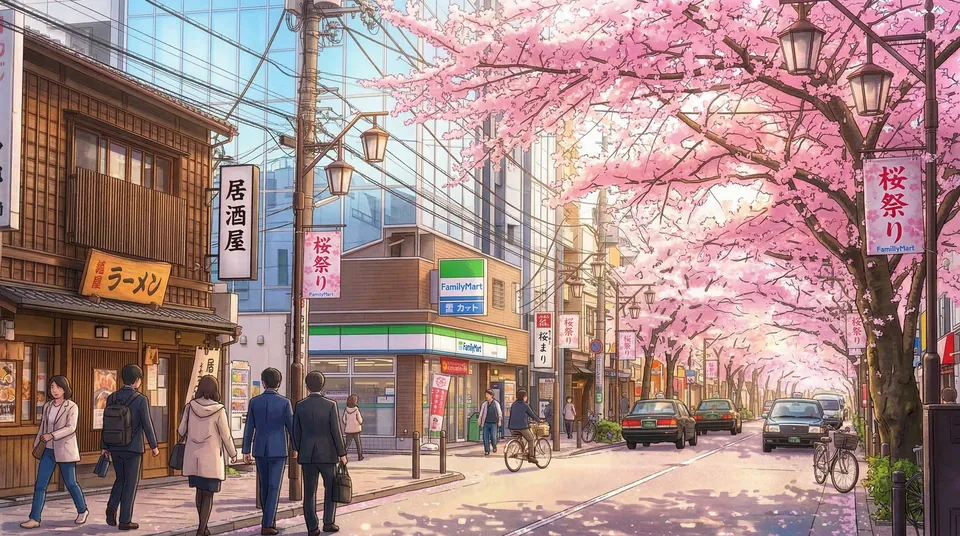
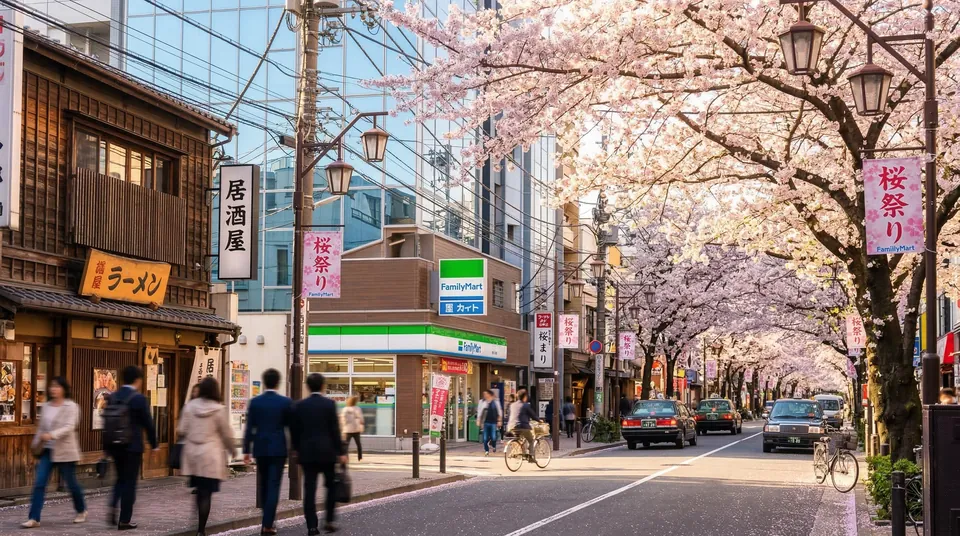

Upscale, Sharpen & Restore Your Images with AI.
AI-powered upscaling, face restoration, and noise reduction — all in one seamless refinement pipeline.
See how the visual system can frame clarity recovery, texture cleanup, and polished detail enhancement.
Use this section as a presentation layer for refinement results now, then wire your real restoration outputs later.
Isolate the subject from its background and place it into a fresh, imaginative setting.
 Before
 BG REPLACE
AI
BG REPLACE
AI
Features
Built for creators and teams who need restoration-first controls, clean upscaling, and production-ready output.
Access daily creative fuel on our free tier, or scale seamlessly. Pro and Max plans unlock massive throughput for high-volume, production-grade workflows.
Go beyond clumsy overlays. Our AI deeply comprehends your prompts, seamlessly blending localized edits while preserving original lighting, depth, and compositional harmony.
Never lose your creative flow. Our highly optimized inference engine slashes generation times to mere seconds, keeping your iteration loops impossibly fast.
Your creative IP remains strictly yours. Our zero-retention architecture ensures that your source files and generated assets are ephemeral and completely secure.
Transform a single asset into an infinite spectrum of aesthetics. Effortlessly pivot from photorealistic rendering to stylized 3D or bespoke illustration with a single click.
Everything you need to know about usage, speed, credits, and image privacy.
AI Image Editor is Cubism AI's revolutionary AI photo editor that transforms images using simple text commands. Developed by Cubism AI (https://cubism.app), it uses advanced contextual understanding to edit photos professionally without any design skills required.
Simply upload your photo and describe the changes you want in plain text. For example, "change background to sunset" or "make it look like a painting". AI Image Editor AI will understand your instructions and apply the edits automatically, creating professional results in seconds.
AI Image Editor uses a credit system. Cubism Base costs 2 credits, Cubism Pro costs 12 credits for higher quality, and Cubism Ultra costs 24 credits for best quality. Free users get 10 credits daily after signing in. Pro (2,000 credits/month) and Ultimate (5,000 credits/month) plans are available for heavy users.
Free users experience a 15-second queue time. Pro users get faster processing (9 seconds), and Ultimate users enjoy instant processing with no wait. Credit costs vary by quality mode: Base (2 credits), Pro (12 credits), Ultra (24 credits).
Ultimate plan users get instant processing with no queues ever. Free users wait 15 seconds, while Pro users experience 9-second processing. Ultimate ensures your AI image edits are processed immediately.
Our AI photo editor supports JPG and PNG formats up to 20MB. The AI image editing results are delivered in high-quality format, perfect for both personal and professional use.
No, we prioritize your privacy. All uploaded images and AI-edited results are deleted immediately after processing. We don't store, save, or use your photos for any purpose. Your AI photo editing sessions are completely private.
Yes, as long as you have sufficient credits. Edit costs depend on quality mode: Base (2 credits), Pro (12 credits), or Ultra (24 credits). Free users get 10 credits daily, Pro users get 2,000 monthly, and Ultimate users get 5,000 monthly. All plans require signing in.
AI Image Editor uses advanced contextual AI to understand complex editing instructions. Unlike basic filters or simple AI tools, our AI image editor truly comprehends relationships between elements, making sophisticated edits from simple text commands.
Free plan users' photos include a small watermark. Pro and Ultimate plan users enjoy watermark-free images. We believe in providing professional results, and watermark removal is a premium feature.
Commercial use is available exclusively for Ultimate plan subscribers. Free and Pro users can enjoy personal use only. Ultimate users retain full commercial rights to their AI-edited images with no licensing restrictions.
For any questions about AI photo editing or technical support, email us at support@cubism.app. The Cubism AI team is dedicated to helping you get the best results from your AI image editing experience.